
HOME NETWORK SUPPORT · SOUTH FLORIDA
Better connections.
Across your home.
Video calls, streaming, schoolwork, and everyday devices all depend on your connection. We help find the cause of Wi-Fi trouble and plan a home network that fits the way you live.
Get network help ↗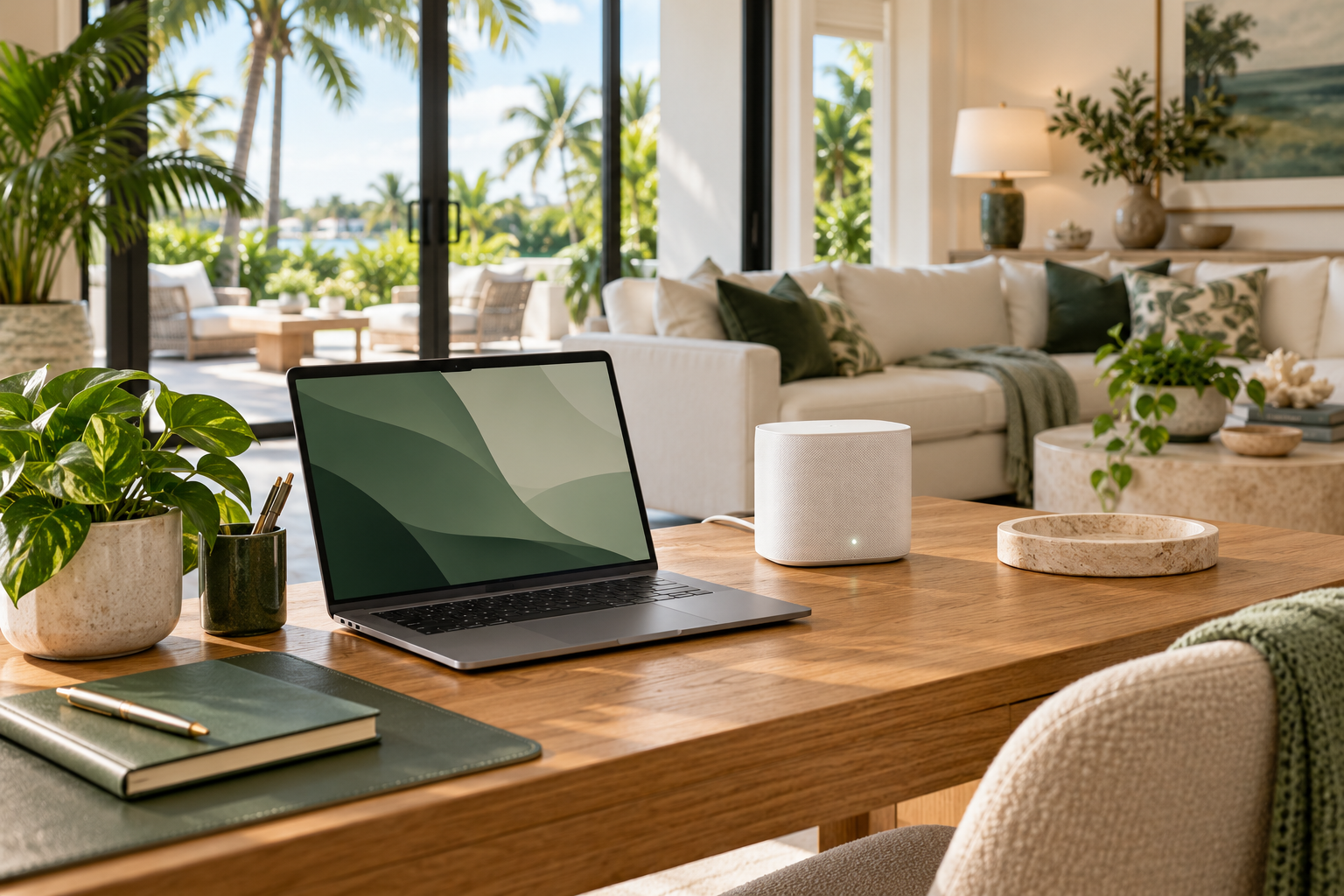
A connected home, thoughtfully arranged.
Concept illustration; equipment varies by installation.
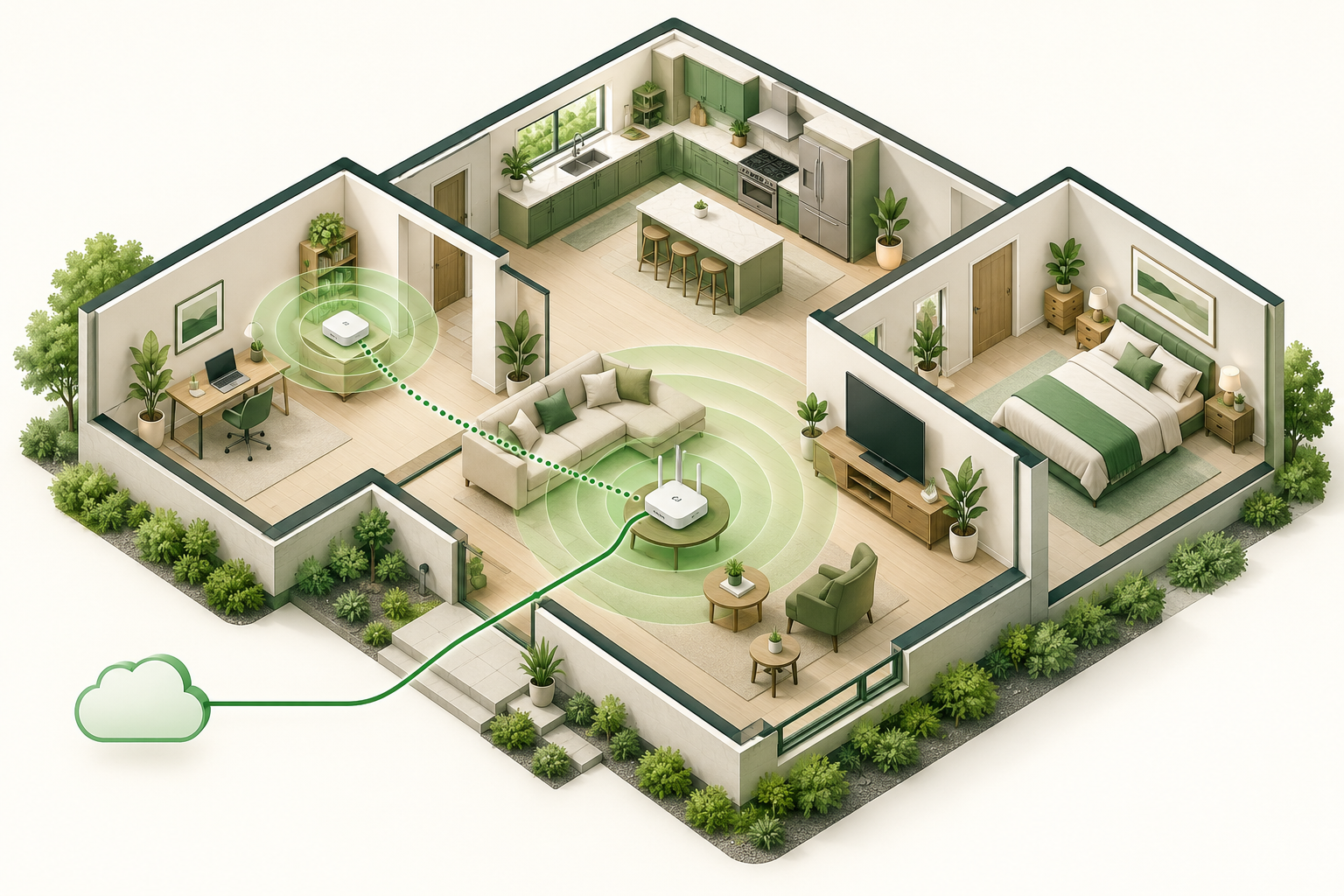
Illustrative layout—not a coverage prediction. Walls, equipment, and placement affect results.
HOW THE CONNECTION REACHES YOU
A connected home.
A considered layout.
The right equipment, placed thoughtfully, helps bring your connection to the rooms where you need it.
01 · Internet service
The cloud represents your provider’s connection to the home. A modem or fiber terminal may sit between that service and your router.
02 · Your central router
The router connects your home network to the internet. A Wi-Fi router also serves nearby wireless devices.
03 · Coverage where it’s needed
An additional access point can extend Wi-Fi into another area. The dotted line represents a network link; a cable or compatible wireless mesh connection may be appropriate.
Make everyday connections less frustrating.
Weak signals & dead zones
A connection that works beside the router may struggle in another room. We assess the layout and existing equipment before recommending better placement, additional coverage, or wiring.
Slowdowns & interruptions
Tell us when the connection drops and which devices are affected. We investigate the home network and help distinguish local issues from problems that need your internet provider’s attention.
New devices & home offices
Get help connecting computers, printers, and compatible home devices. We can also review the network serving your workspace when calls or remote access become unreliable.
Computer repair ↗Support for the whole home network.
Start with the equipment you already have and the places where you need a dependable connection. We’ll explain the options before you invest in changes.

Router setup
Configure a new router or review an existing setup, including how it connects to your provider’s equipment.

Wi-Fi coverage
Assess router and access point placement and discuss mesh or additional access points where suitable for your home.
Wired connections
Plan network cabling and wired connections for fixed workstations or other equipment where practical.

Device connections
Troubleshoot devices that cannot join the network or communicate with a printer or other local equipment.

Network safeguards
Review wireless security, router access, available updates, and guest access options supported by your equipment.

Room to grow
Plan for added rooms, devices, or changes in how your household uses the network without buying equipment blindly.
A clear path from problem to solution.
01 · Understand the symptoms
Tell us which rooms and devices are affected, when the issue occurs, and what changed recently. We review your home layout and current network equipment.
02 · Review the plan
We explain what we find and recommend appropriate configuration changes, equipment, or cabling. Agree on the scope and cost before proceeding.
03 · Configure & check
After the agreed work, we check connections in the relevant areas and help you understand the setup. We explain any remaining limitations or provider follow-up.
When your provider needs to help.
Some connection problems originate outside your home network. We help identify when your internet provider’s service or equipment needs attention.
You’ll have a clearer explanation of the issue to discuss with your provider.
A few details help us get started.
Rooms where the connection struggles
Devices affected and examples of the problem
Your internet provider and router model
Any recent equipment or account changes
What you want to add or improve
Home networking questions, answered.
Can you help with Wi-Fi dead zones?
Yes. We assess the areas affected and your existing equipment, then discuss suitable changes such as placement, access points, or network cabling. The right approach depends on the property and how you use it.
Do I need a new router or mesh system?
Not necessarily. We review the current setup before recommending equipment. Sometimes a configuration or placement change is appropriate; other homes need additional coverage or different hardware.
Can you work with my internet provider’s equipment?
We can review how your home network connects to the provider’s equipment. Some settings or faults must be handled by the provider, and we’ll explain when their assistance is needed.
Can you connect printers and other home devices?
Yes. We help troubleshoot compatible devices and their network connections. Let us know the models and the problem so we can assess what is needed.
Do you install network cabling?
Yes. We provide residential network wiring services. The route, access, and installation requirements are assessed before the scope and cost are agreed.
Can you help secure my home Wi-Fi?
We can review supported wireless security settings, router access, passwords, updates, and guest network options. These safeguards help reduce unauthorized access, but no network can be guaranteed immune to every threat.
How much does home network support cost?
The cost depends on the investigation, configuration, equipment, and any cabling needed. Contact us with your symptoms and setup so we can discuss the scope and pricing before work proceeds.
Let’s get your home connected.
Home network support for Fort Lauderdale and across Miami-Dade, Broward, and Palm Beach. Tell us where your connection is letting you down.
Call (954) 944-5984 ↗