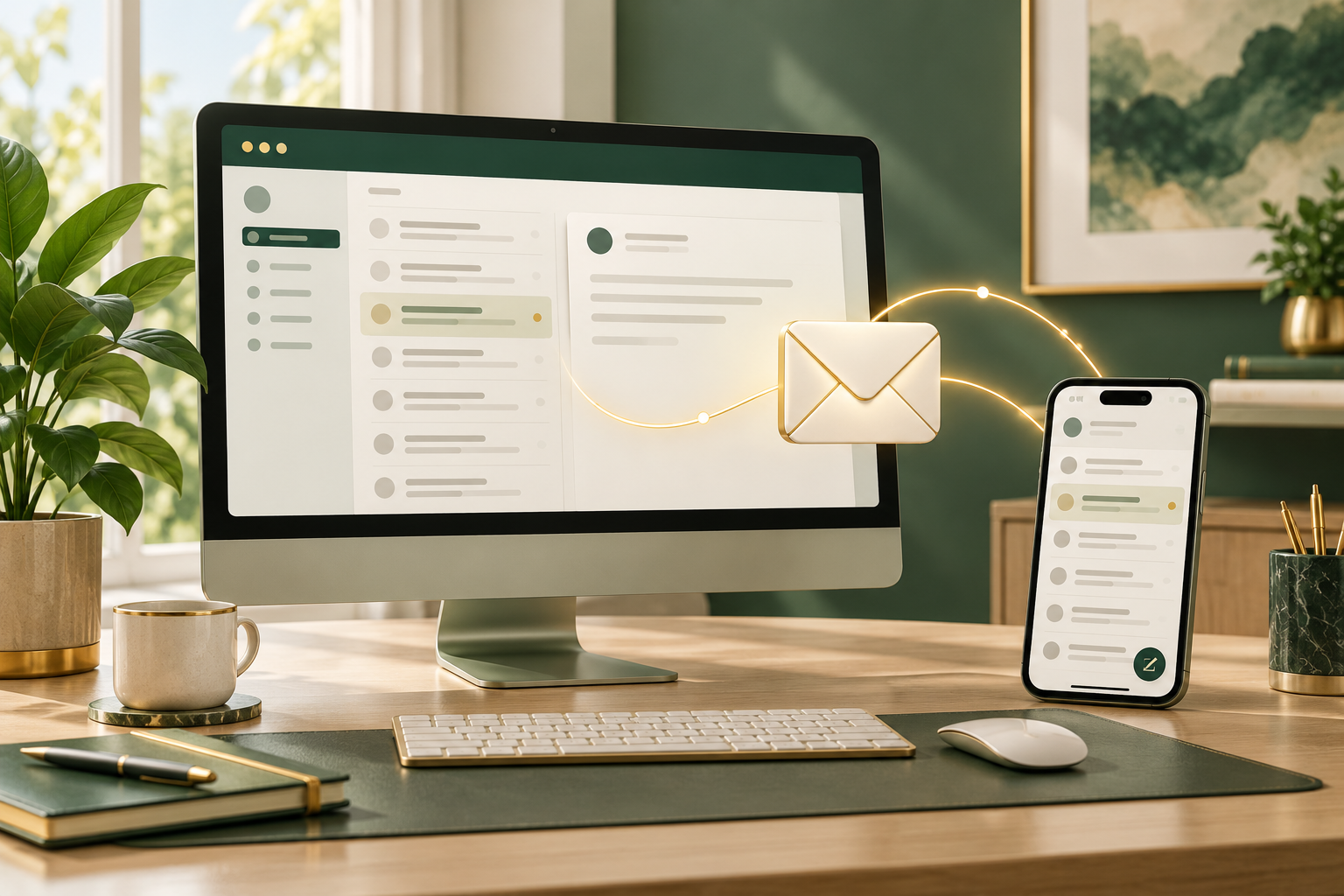
Professional email should fit the way your team works. We help review Exchange email requirements and troubleshoot issues affecting your daily communication.
Keep business communication organized with an Exchange mailbox that synchronizes email, calendars and contacts across compatible computers, phones and tablets. Work in Outlook or use webmail when you are away from your usual device.
A professional business identity
Use email addresses on your business domain. Aliases let additional addresses deliver to a mailbox, while distribution groups help you reach the right people without repeatedly typing every address.
Plan the day with your team
Shared calendars help colleagues coordinate appointments and meetings. Shared contacts keep useful business details available to the people who need them, with permissions arranged for your team.
Move between devices
Keep messages and calendar changes synchronized in supported email applications. We help configure your accounts remotely or over the phone and check your device and Outlook compatibility.
Filtering and a practical move
SpamDupe virus and spam filtering is included, along with account setup and migration assistance. We review your current provider and migration requirements before scheduling the move.
Choose your Exchange email package
Monthly prices are per mailbox. Choose the storage that fits your users, then tell us how many accounts you need.
Basic
10 GB mailbox
$2.29 / mailbox / month
A practical starting point for everyday business email.
Email, contacts and calendar synchronization with compatible devices.
Shared contacts and calendars, configured for your team.
Outlook desktop, mobile and webmail access using compatible applications.
Account setup and migration assistance at no additional charge.
Mailbox storage applies to each account. Desktop application licensing and device compatibility are reviewed during setup. These are Computer IT Solutions hosted email packages; Microsoft 365 application subscriptions and Microsoft’s Exchange Online plan allowances are separate offers.
From your order to a working mailbox
01
Select your plan
Choose a package and mailbox count below. Provide a working contact address and the business domain you want to use.
02
We arrange setup
We confirm account names, your current email provider, device compatibility and the migration schedule with you.
03
Confirm billing after setup
Monthly billing begins after your service is set up and you authorize the recurring arrangement. Submitting this order does not charge a card or start monthly billing.
04
Keep your business moving
Our team helps you get connected. Once billing is arranged, use our secure payment page for agreed payments, or contact us about your email service.
Email identity & digital signing
Give others a way to verify your email.
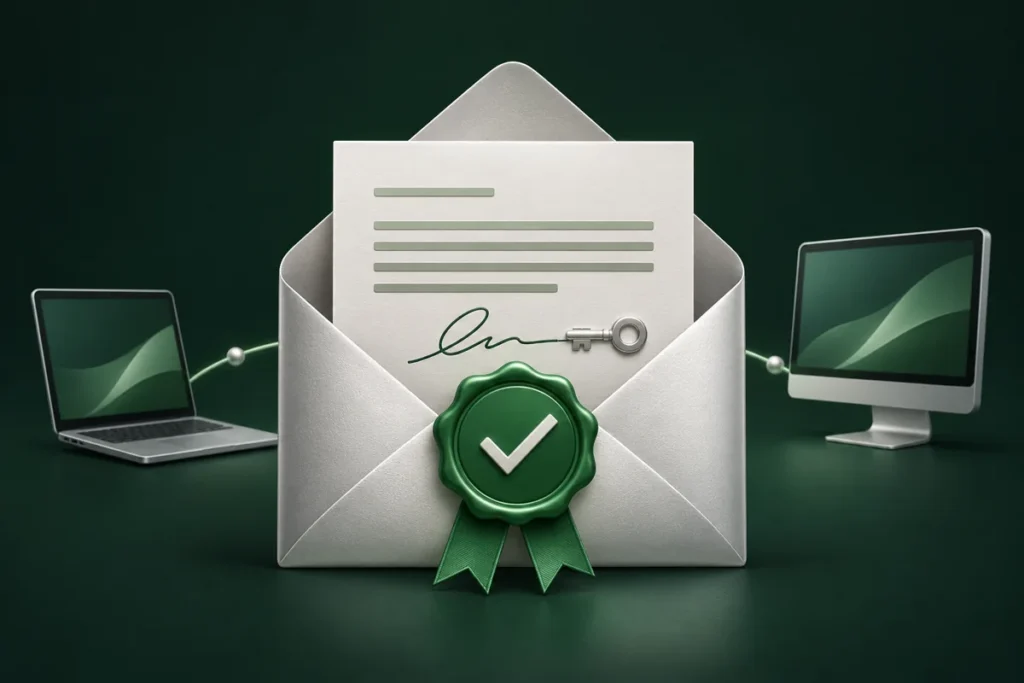
Concerned about email impersonation, phishing or fraudulent payment requests? Digitally signed email provides an additional check: recipients using compatible software can verify the identity or email address validated in the signing certificate and detect changes to the signed message.
Computer IT Solutions has been providing customers with email-signing certificates to help them verify sender identity and protect the integrity of their correspondence. We can assess your setup, arrange a suitable pilot and recommend a solution that fits the way you or your team communicates.
This figure illustrates the scale of business email fraud; it is not a measure of losses that signing certificates would have prevented. Digital signing can help individuals and organizations verify the certified sender and detect changes to signed content, as part of a broader approach to email security.
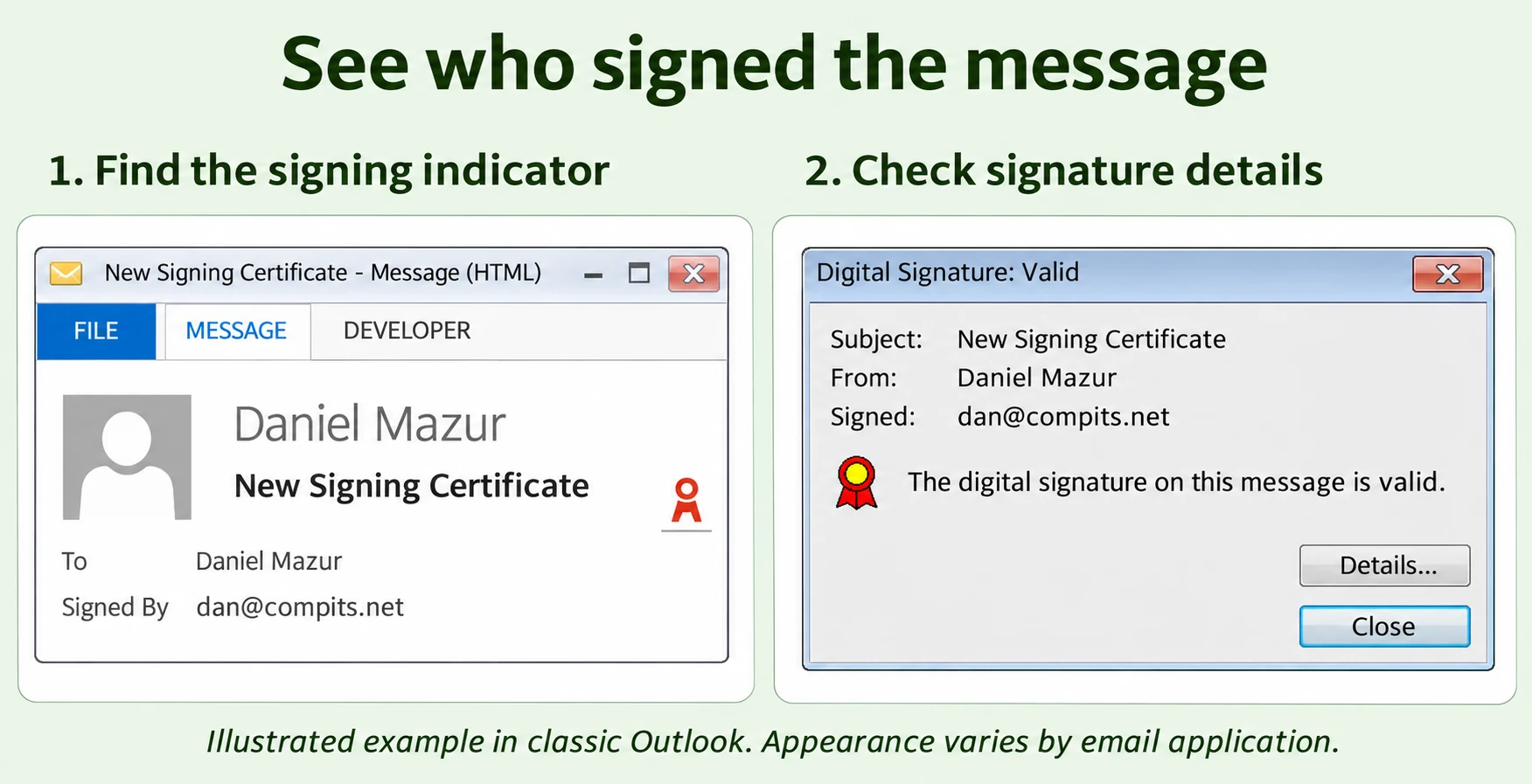
Illustrated example in classic Microsoft Outlook, adapted from a COMPITS demonstration email. Select the image to enlarge it. Appearance and verification options vary by email application.
In compatible email applications, recipients can select the digital-signature indicator to check the signer and whether the signature is valid. A valid signature does not certify that every attachment or request is safe. Signing alone does not encrypt the message.
For personal email as well as business correspondence: suitability depends on your provider, email address, applications and devices. We review compatibility before recommending a certificate. Request an assessment →
What to know before you begin
How is this different from the signature below my email?
A name, logo and contact details at the bottom of a message can be copied. An S/MIME digital signature is cryptographic information your recipient’s compatible email application can validate. The identity information it verifies depends on the certificate’s validation level.
Does signing encrypt my email or prevent every cyberattack?
No. Signing and encryption are separate functions. Signing alone does not make the message confidential, guarantee an attachment is safe or prove that a payment request is legitimate. A compromised device or signing key can also undermine that protection. Digital signing complements account security, domain authentication, filtering and staff training; unusual payment instructions should still be verified independently.
Can you test it with my personal or business email?
Where appropriate, we agree on a pilot using a designated personal or business mailbox. We check outgoing signatures, verification by representative recipients and behavior across the applications and devices in scope. A domain name alone cannot establish compatibility. Any pilot certificate requirements and costs are agreed before testing begins.
How do we receive a quote?
Start with the assessment request below. Tell us your email address or domain, provider, applications/devices and approximate user count. After review and any agreed testing, we quote for certificates, installation, configuration and any ongoing renewal or support arrangements. Any assessment or pilot costs are agreed before work begins. This form does not order certificates or authorize a charge.
No website account is required. Your order is saved for our team to review and arrange setup.
Illustrative data-center image; not a photograph of our hosting facilities.
Infrastructure behind your inbox
Built for continuity.
Your email service is supported by climate-controlled data centers, backup power, redundant connections, and copies maintained at a separate location.
Controlled cooling and restricted access
UPS battery backup and generators
Redundant copies at another location
Read the hosting question below for more about these safeguards.
Questions about Exchange email
Where is my email hosted, and how is it protected?
Your business email is hosted on servers in professionally managed, climate-controlled data centers. Air conditioning helps maintain suitable operating temperatures, while UPS battery backup and backup generators provide power protection. Redundant internet connections and restricted physical access add further layers of resilience and protection.
We also maintain redundant copies at a separate location, adding another layer of protection beyond the primary data center. Computer IT Solutions manages your email service and helps with account setup, migration, and ongoing support.
How is Exchange different from Outlook?
Exchange stores and synchronizes mailbox information on the server. Outlook is an application used to read and organize it. We help you connect compatible applications to your hosted mailbox.
Can I keep my existing business email addresses?
Usually, you can continue using addresses on a domain you control. Tell us your domain and existing provider so we can review domain access, account names and migration requirements before making changes.
Does the order charge me immediately?
No. We arrange service setup first, then confirm the recurring billing amount and obtain your authorization. Card payments made through Helcim show any Fee Saver fee before confirmation; a bank-payment option is also available.
Do I send you my passwords or card information here?
No. Use this form only for your contact and service requirements. We arrange any necessary account access securely, and card or bank details are entered through Helcim.
Learn about the underlying email and calendar platform in Microsoft’s Exchange overview ↗. Your purchased features and storage are the Computer IT Solutions package shown above.
1 · Review your setup We review your personal or business email, user requirements, applications and devices. You do not need to know every technical detail to get started.
2 · Agree on a pilot Where appropriate, we test a designated personal or business mailbox and representative recipients. Pilot scope, certificate requirements and any costs are agreed first.
3 · Receive a tailored quote We quote for certificates, installation, configuration and any ongoing renewal or support arrangements. Any assessment or pilot costs are agreed before work begins.
Prefer to talk? Call (305) 442-0136. Already have certificates? Tell us about them so we can review your current setup.